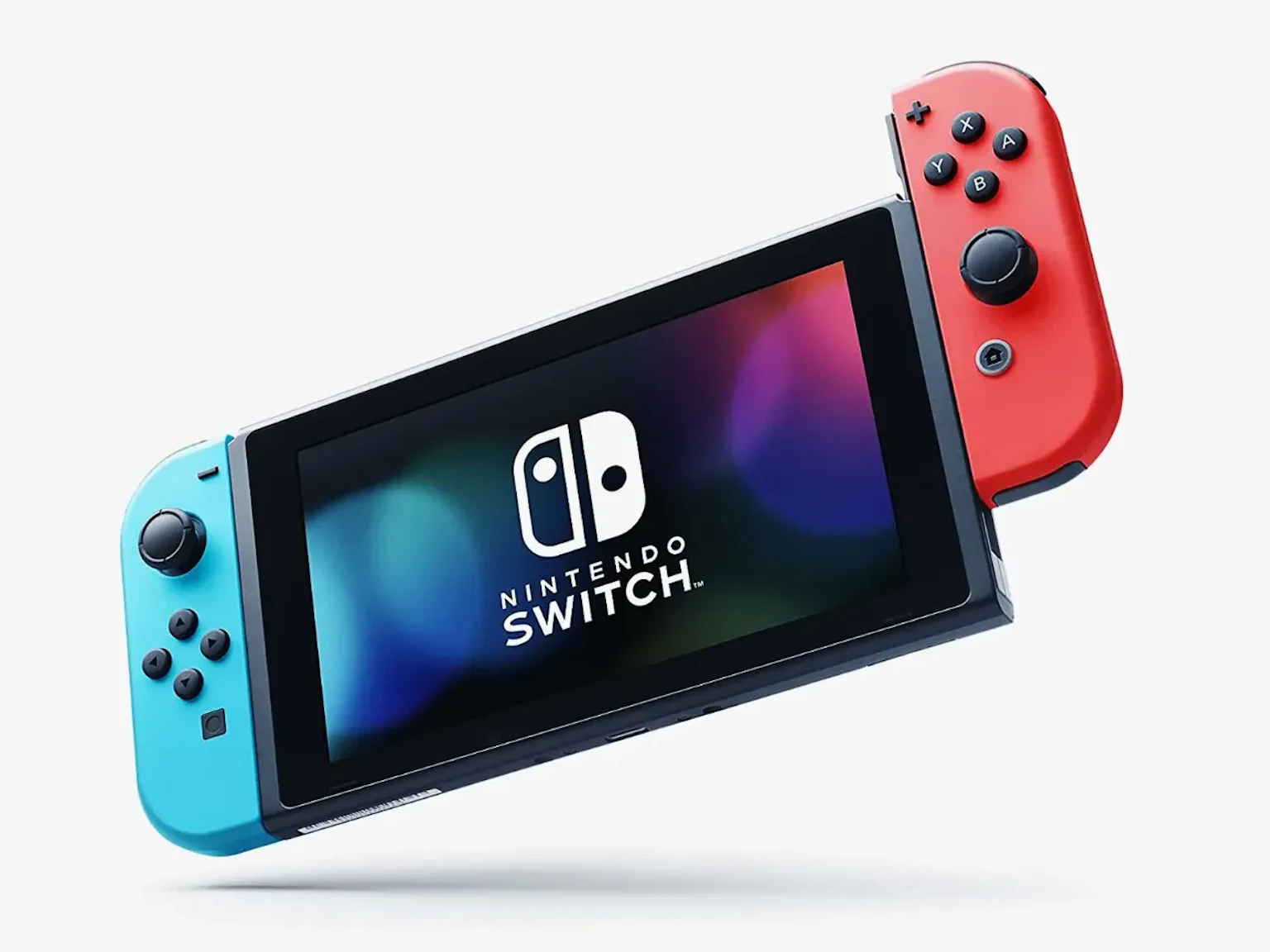
Switch Firmware Fiasco: What to Do When Version 20.0.0 Bricks Your Console
Ever fired up your Nintendo Switch, eager to dive into the latest Zelda adventure or smash some friends in Super Smash Bros., only to be greeted by a cryptic error code? Yeah, it’s a gut punch. If you’ve updated to the new Switch firmware, Version 20.0.0, you might be staring at “Error Code: 2206-1015” right now, your console refusing to cooperate. As a gamer who’s weathered countless patches and updates since the GameCube days, I feel your pain. Let’s unpack what’s happening, why it’s a mess, and how you can navigate this without losing your cool—or your save data.
The Update That Broke the Switch
Nintendo dropped Version 20.0.0 for the Switch 2 earlier this week, and it was supposed to be a shiny new chapter. New features, slick tweaks, maybe even some surprises for us diehards. I was hyped to explore it, reminiscing about the days when firmware updates felt like unwrapping a new game. But for some, this update has been less “new power-up” and more “Game Over.” Reports are flooding in from players whose consoles are bricking—yep, that dreaded moment when your Switch just won’t boot, stuck on that pesky error code.
Nintendo’s Japanese support team has acknowledged the issue on social media, confirming they’re digging into it. Their statement, roughly translated, goes something like this: “We’re hearing from folks about Error Code: 2206-1015 after updating to Version 20.0.0. We’re on the case, but please hang tight for more details.” No timeline, no quick fix—just a promise to sort it out. Classic Nintendo, keeping us on our toes.
Why This Hurts (And Why It’s Familiar)
If you’ve been gaming as long as I have, you know this isn’t Nintendo’s first rodeo with update woes. Remember the Wii U’s rocky patches or the 3DS firmware hiccups? It’s like that one level in Mario Kart where you keep slipping on the same banana peel. The Switch 2’s Version 20.0.0 was meant to elevate the experience, but for some, it’s turned their console into an expensive paperweight. The error seems to hit on boot-up, locking you out of your games, your digital library, everything. For me, the thought of losing progress in Splatoon 3 or my meticulously crafted Animal Crossing island is enough to make me wince.
Some brave souls on the Nintendo Switch Help subreddit are tossing around workarounds, like booting into safe mode or resetting the system. But let’s be real—messing with your console’s guts is like trying to defuse a Bob-omb. One wrong move, and you could wipe your data or void your warranty. I’ve been there, tinkering with a PSP back in the day, only to regret it. My advice? Unless you’re a tech wizard, don’t roll the dice just yet.
What Should You Do About the Switch Firmware Error?
So, you’re stuck. Your Switch is throwing Error Code: 2206-1015, and you’re itching to get back to Metroid Dread. Here’s the game plan, straight from a gamer who’s seen too many error screens:
- •Hold Off on Heroics: Avoid unofficial fixes floating around online. Safe mode sounds tempting, but it’s risky without Nintendo’s blessing. Trust me, patience is your best stat right now.
- •Check Nintendo’s Updates: Keep an eye on Nintendo’s official support channels—Twitter, their Japanese customer service page, or the Switch support site. They’ll likely drop a patch soon, just like they did for past firmware flubs.
- •Back Up (If You Can): If your console’s still semi-functional, double-check that your save data is backed up to the cloud via Nintendo Switch Online. It’s a lifesaver if things go south.
- •Reach Out: If you’re desperate, contact Nintendo support directly. They’re slow sometimes—memories of waiting on hold during the DS era come to mind—but they’ll have the most reliable guidance.
The Bigger Picture: Why Firmware Matters
This isn’t just about one bad update. Firmware is the backbone of your Switch, the invisible code that keeps Mario, Zelda, and your eShop purchases humming along. A botched update like Version 20.0.0 reminds us how fragile that ecosystem can be. I’ve lost count of how many times I’ve held my breath during a system update, praying my console doesn’t turn into a brick. It’s a rite of passage for gamers, but it shouldn’t be.
Nintendo’s usually good about fixing these messes, and I’m betting they’ll roll out a patch faster than you can speedrun Super Mario Odyssey. Until then, this is a chance to dust off your retro consoles or dive into some indie gems on your PC. Heck, I’ve been replaying Hollow Knight on my laptop while waiting for Nintendo to sort this out. Silver linings, right?
Stay in the Game
Look, nobody wants to be sidelined by a Switch firmware error, especially when you’ve got worlds to explore and high scores to chase. Error Code: 2206-1015 is a bummer, but it’s not the end of your gaming journey. Nintendo’s on the case, and if history’s any guide, they’ll have your Switch back in action soon. For now, sit tight, resist the urge to play tech surgeon, and maybe revisit a classic like Fire Emblem on your old 3DS while you wait.